Generative UI Overview
What Is Generative UI?
Generative UI refers to any user interface that is partially or fully produced by an AI agent, rather than authored exclusively by human designers and developers. Instead of the UI being hand-crafted in advance, the agent plays a role in determining what appears on the screen, how information is structured, and in some cases even how the layout is composed.
The core idea is simple: as agents become more capable, an agentic application's UI itself becomes more of a dynamic output of the system — able to adapt, reorganize, and respond to user intent and application context. This can be done in very different ways, each with its own tradeoffs.
This page covers:
- Application Surfaces - where Generative UI shows up within an agentic application.
- Attributes - how different Generative UI types and uses vary and why.
- Types - the prominent types of Generative UI, their uses and tradeoffs.
- Ecosystem Mapping - how the different types of Generative UI are used in the ecosystem.
- AG-UI and CopilotKit - how AG-UI and CopilotKit work with the different types of Generative UI.
Ready to Get Started? Choose your Integration!
Generative UI can be implemented with any agentic backend, with each integration offering different approaches for creating dynamic, AI-driven interfaces.
Choose your integration to see specific implementation guides and examples, or scroll down to learn more about Generative UI.
Application Surfaces for Generative UI
Generative UI can surface in different parts of an application depending on how users interact with the agent and how much the application mediates that interaction. These surfaces shape the UX, developer responsibilities, and where generative UI appears.
1. Chat (Threaded Interaction)
A Slack-like conversational interface where the app brokers each turn. Generative UI appears inline as cards, blocks, or tool responses.
Key traits:
- Turn-based, message-driven flow.
- App mediates all agent communication.
- Great for support, Q&A, debugging, and guided workflows.
Examples: Slack bots, Discord bots, Intercom AI Agent, Zendesk AI, GitHub Copilot Chat, Notion AI Chat.
2. Chat+ (Co-Creator Workspace)
A side-by-side or multi-pane layout: chat in one pane, a dynamic canvas in another. The canvas becomes a shared working space where agent-generated UI appears and evolves.
Key traits:
- Chat remains present but secondary.
- Canvas displays structured outputs and previews.
- Generative UI can appear in the canvas or chat space.
- Ideal for creation, planning, editing, and multi-step tasks.
Examples: Figma AI, Notion AI workspace, Google Workspace Duet side-panel, Replit Ghostwriter paired editor.
3. Chatless (Generative UI integrated into application UI)
The agent doesn't talk directly to the user. Instead, it communicates with the application through APIs, and the app renders generative UI from the agent as part of its native interface.
Key traits:
- No chat surface at all.
- App decides when and where generative UI appears.
- Feels like a built-in product feature, rather than a conversation.
- Ideal for dashboards, suggestions, and autonomous task helpers.
Examples: Microsoft 365 Copilot (inline editing), Linear Insights, Superhuman AI triage, HubSpot AI Assist, Datadog Notebooks AI panels.
Attributes of Generative UI
Types of Generative UI, and even individual uses vary greatly in terms of two attributes: freedom, and control.
Types of Generative UI
Static | UI is chosen from a fixed set of hand-built components. |
Open-Ended | Arbitrary UI (HTML, iframes, free-form content) is passed between agent and frontend. |
Declarative | A structured UI specification (cards, lists, forms, widgets) is used between agent and frontend. |
Generative UI approaches fall into three broad categories, each with distinct tradeoffs in developer experience, UI freedom, adaptability, and long-term maintainability.
As described above, these types are differentiated by their freedom/vocabulary of UI expression, but any of the types can be controlled by the application programmer, or left up to the agent to define.
Static Generative UI
Static
Open-Ended Generative UI
Open-Ended
Declarative Generative UI
Declarative
Ecosystem Mapping
Several recently announced Generative UI Specifications, have added richness (and some confusion) to generative UIs. These include MCP-Apps, Open JSON UI, and the newly released A2UI.
The generative UI styles map cleanly to the ecosystem of tools and these standards.
This mapping highlights that no single approach is superior — the best choice depends on your application's priorities, surfaces, and UX philosophy.
AG-UI and CopilotKit are Gen UI Agnostic
AG-UI is designed to support the full spectrum of generative UI techniques while adding important capabilities that unify them.
AG-UI integrates seamlessly with all types: static, declarative, and open-ended generative UI approaches. Whether teams prefer handcrafted components, structured schemas, or agent-authored surfaces, AG-UI can support the workflow.
But AG-UI adds shared primitives — interaction models, context synchronization, event handling, a common state framework — that standardize how agents and UIs communicate across all surface types.
CopilotKit works with any generative UI, and uses AG-UI to connect the agent to the frontend.
This creates a consistent mental model for developers while empowering agents to take advantage of the capabilities of any generative UI pattern.
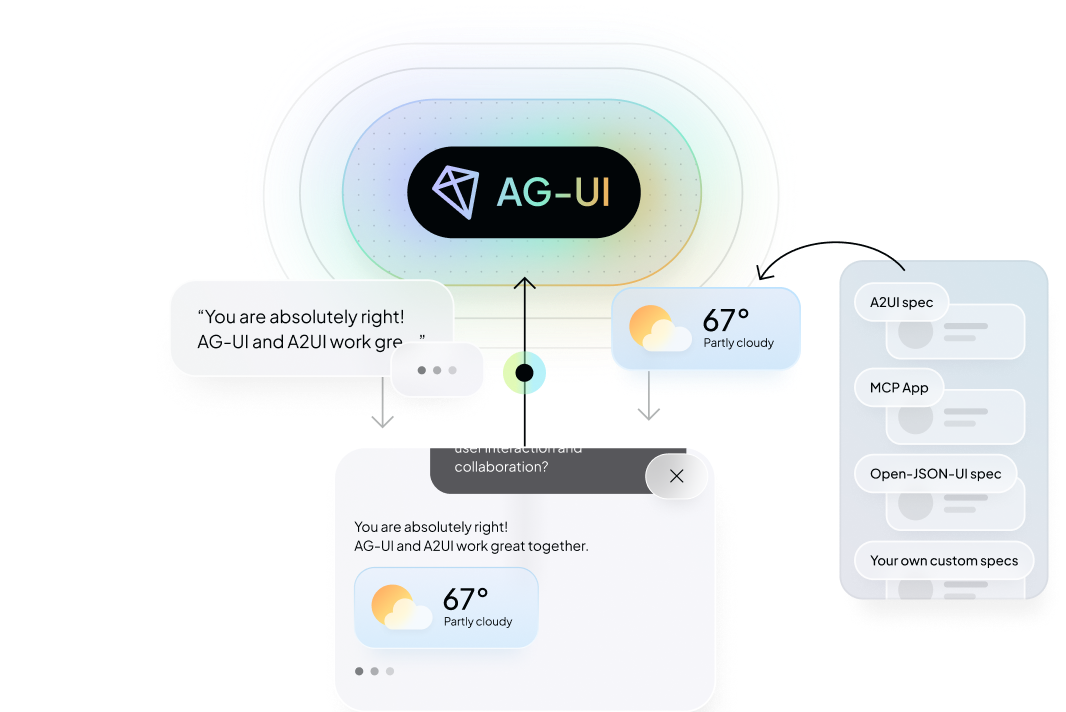
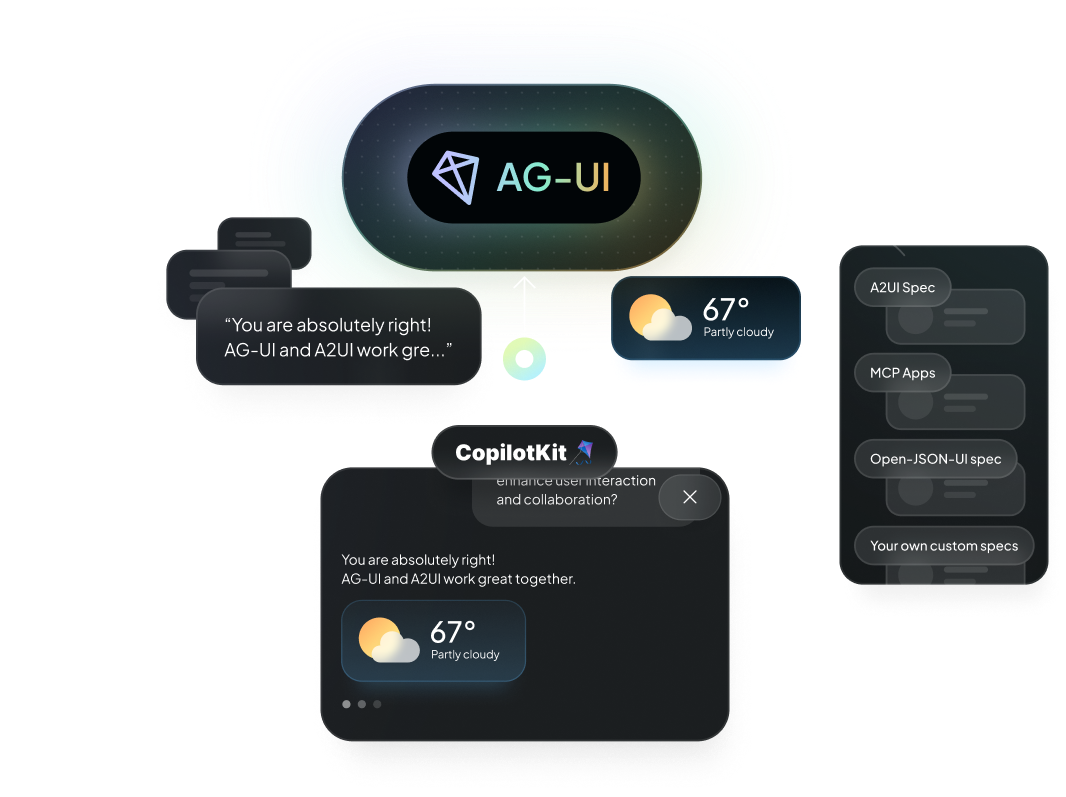
AG-UI acts as a universal runtime that works with A2UI, MCP-UI, Open-JSON-UI, and custom specs of any type.
Learn more about implementing Generative UI with the AG-UI Protocol and explore Generative UI Specifications.