A2UI
A2UI - Google's Generative UI Spec
A2UI is Google's declarative, LLM-friendly Generative UI specification that enables agents to generate dynamic user interfaces.
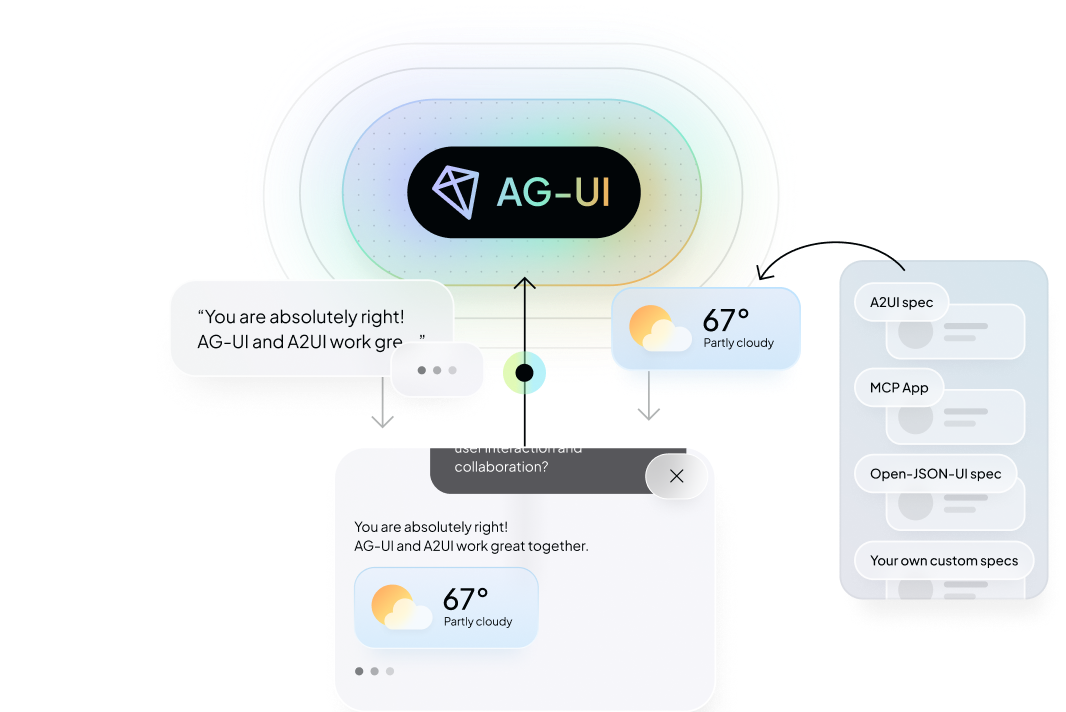
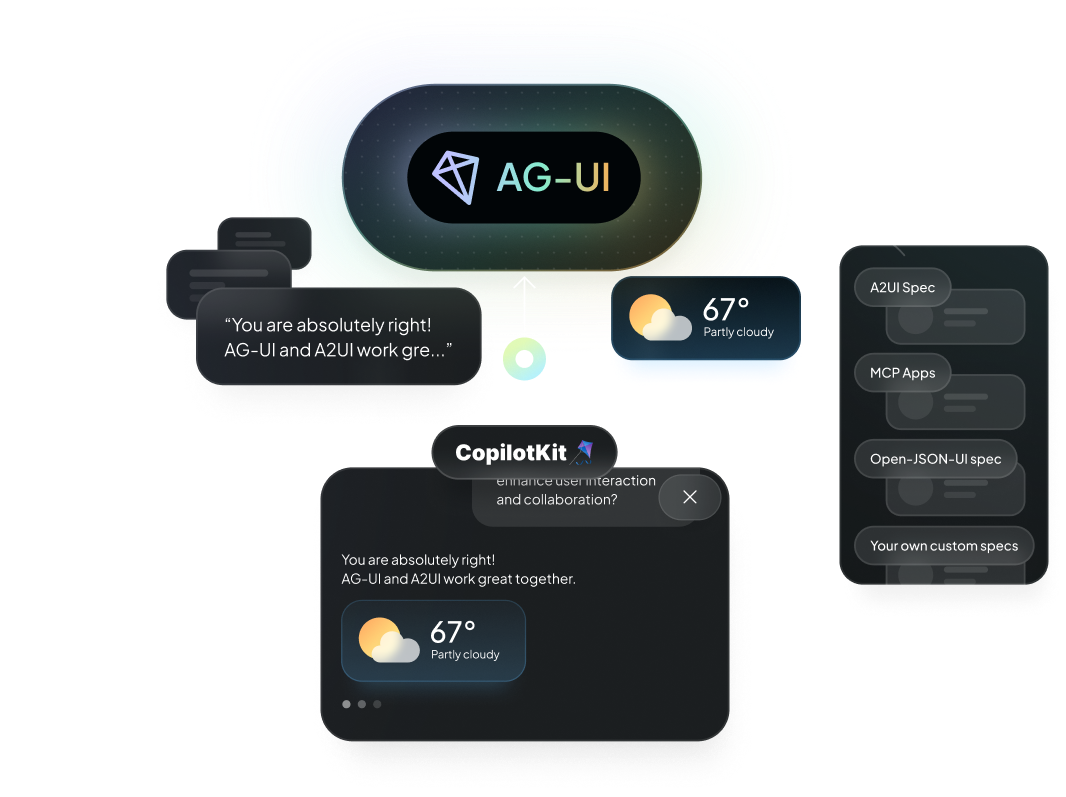
What is A2UI?
A2UI is a declarative generative UI specification launched by Google. It's designed to be:
- JSONL-based - Uses JSON Lines format for streaming
- LLM-friendly - Easy for language models to generate
- Platform-agnostic - Can be rendered on any platform
- Streaming-first - Built for real-time, progressive rendering
Why A2UI?
Declarative Approach
A2UI allows agents to describe UI components declaratively, making it easier for LLMs to generate dynamic interfaces without needing to understand implementation details.
Streaming Support
Built with streaming in mind, A2UI enables progressive rendering as the agent generates responses, providing a better user experience.
Platform Agnostic
A2UI specifications can be rendered on web, mobile, or any other platform, making your agent's UI truly universal.
Setup with CopilotKit
Backend
Enable A2UI in CopilotRuntime by passing a2ui: {}:
  CopilotRuntime,
  ExperimentalEmptyAdapter,
  copilotRuntimeNextJSAppRouterEndpoint,
} from "@copilotkit/runtime";

const runtime = new CopilotRuntime({
  agents: { default: myAgent },
  a2ui: {},
});
This automatically applies A2UIMiddleware to all registered agents. To scope it to specific agents, you can specify agents with the agents property: a2ui: { agents: ["my-agent"] }.
Once configured, any A2UI output returned from your agent will automatically be rendered in the chat interface — no additional frontend code required.
Frontend
The A2UI renderer activates automatically — no extra configuration needed on the frontend. Optionally, pass a custom theme:
<CopilotKit runtimeUrl="/api/copilotkit" a2ui={{ theme: myCustomTheme }}>
  {children}
</CopilotKit>;
The a2ui prop on <CopilotKit> is only needed if you want to override the default theme provided.
Using A2UI with CopilotKit
Get started with A2UI and A2A with CopilotKit
Check out the A2UI Composer to create and find widgets
Learn More
- Generative UI Specs Overview - Compare all supported specifications
- Generative UI Guide - Build with Generative UI in CopilotKit
- A2UI Site - Visit the A2UI site
- AG-UI Protocol - Learn about the protocol that supports A2UI
- Open-JSON-UI - OpenAI's alternative approach
- MCP Apps - Iframe-based Generative UI extending MCP